

Key Takeaways
- WhatsApp AI chatbots help businesses manage customer conversations with faster, consistent, and automated responses.
- AI chatbots can support customer service, sales, lead qualification, notifications, and routine business communication.
- Businesses can use WhatsApp AI chatbots for conversational commerce, including product discovery, recommendations, orders, and post-purchase support.
- Successful chatbot deployment requires reliable business data, clear conversation flows, relevant integrations, testing, and continuous monitoring.
- WhatsApp AI chatbots can adapt to industries such as healthcare, retail, banking, education, travel, real estate, and insurance.
WhatsApp has become a key channel for businesses to connect with customers through fast, familiar, and convenient conversations. As customers increasingly expect immediate responses, businesses need smarter ways to manage growing communication volumes without compromising service quality.
AI is transforming WhatsApp communication by enabling chatbots to understand customer questions, provide relevant responses, automate routine tasks, and support conversations around the clock. Unlike basic rule-based bots, modern AI chatbots can understand natural language and handle more flexible customer interactions.
In this article, we explore how WhatsApp AI chatbots work, their key features, business benefits, use cases, implementation process, and best practices. We will also look at how businesses can use them to improve customer support, automate communication, and enable conversational commerce.
What is a WhatsApp AI Chatbot?
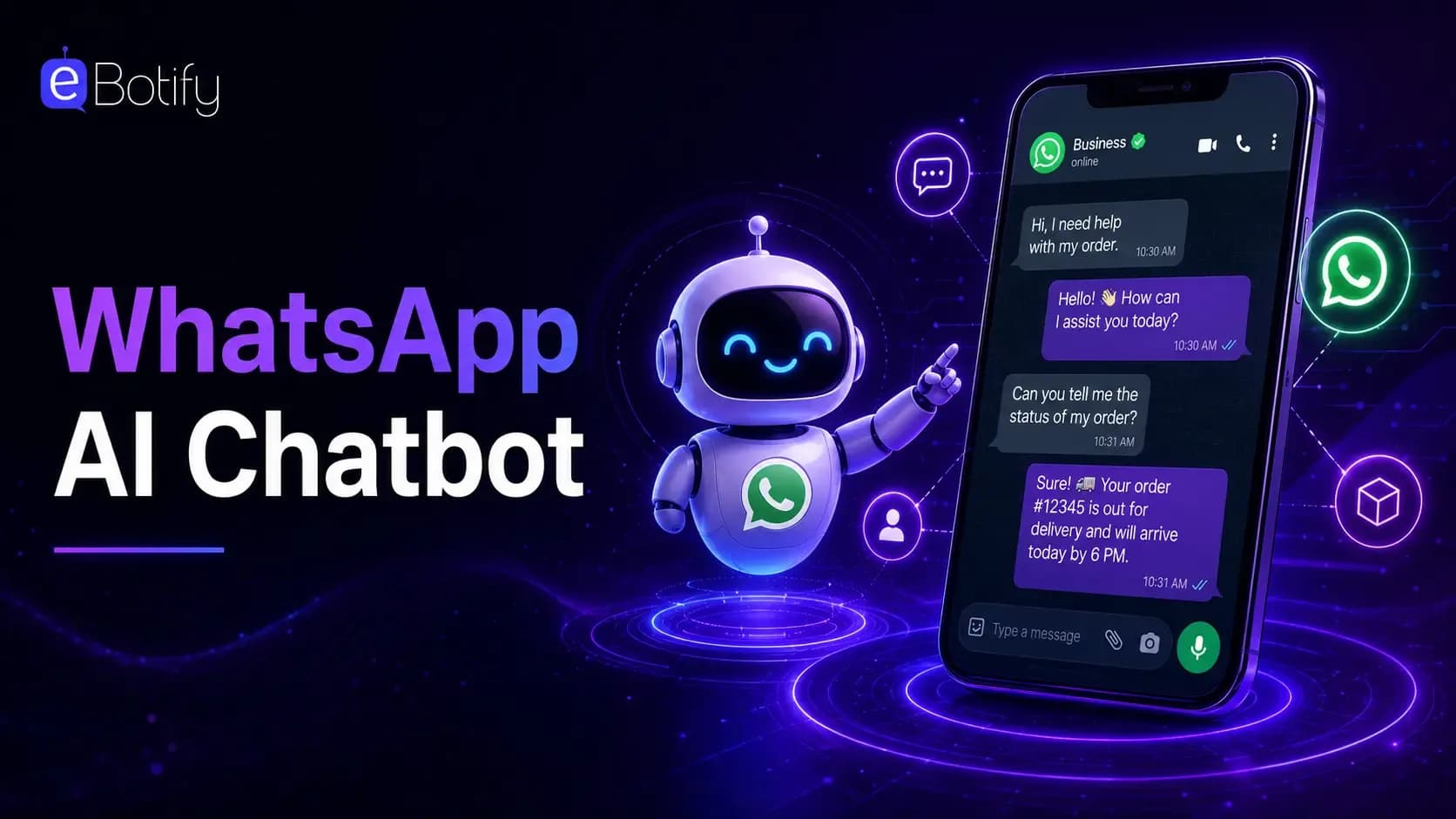
A WhatsApp AI chatbot is an AI-powered conversational system that interacts with customers through WhatsApp. It uses technologies such as natural language processing, machine learning, and generative AI to understand customer messages and provide relevant responses.
Unlike traditional automated bots that depend on fixed commands and predefined conversation flows, AI chatbots can understand different ways of asking the same question and respond according to the conversation context.
What Can a WhatsApp AI Chatbot Do?
A WhatsApp AI chatbot can help businesses automate several customer-facing and operational activities, including:
1. Answer Customer Queries
Provide instant answers to common questions about products, services, pricing, availability, policies, and business processes.
2. Automate Customer Support
Handle repetitive support requests without requiring employees to manually respond to every conversation.
3. Qualify Leads
Ask relevant questions, understand customer requirements, collect important information, and identify potential leads for sales teams.
4. Support Conversational Commerce
Help customers discover products, receive personalized recommendations, compare options, and move through the buying journey directly within conversations.
5. Send Automated Updates
Share order confirmations, appointment reminders, payment notifications, booking information, and other important updates.
6. Personalize Conversations
Use available customer and conversation data to deliver responses that are more relevant to individual needs and preferences.
7. Connect With Business Systems
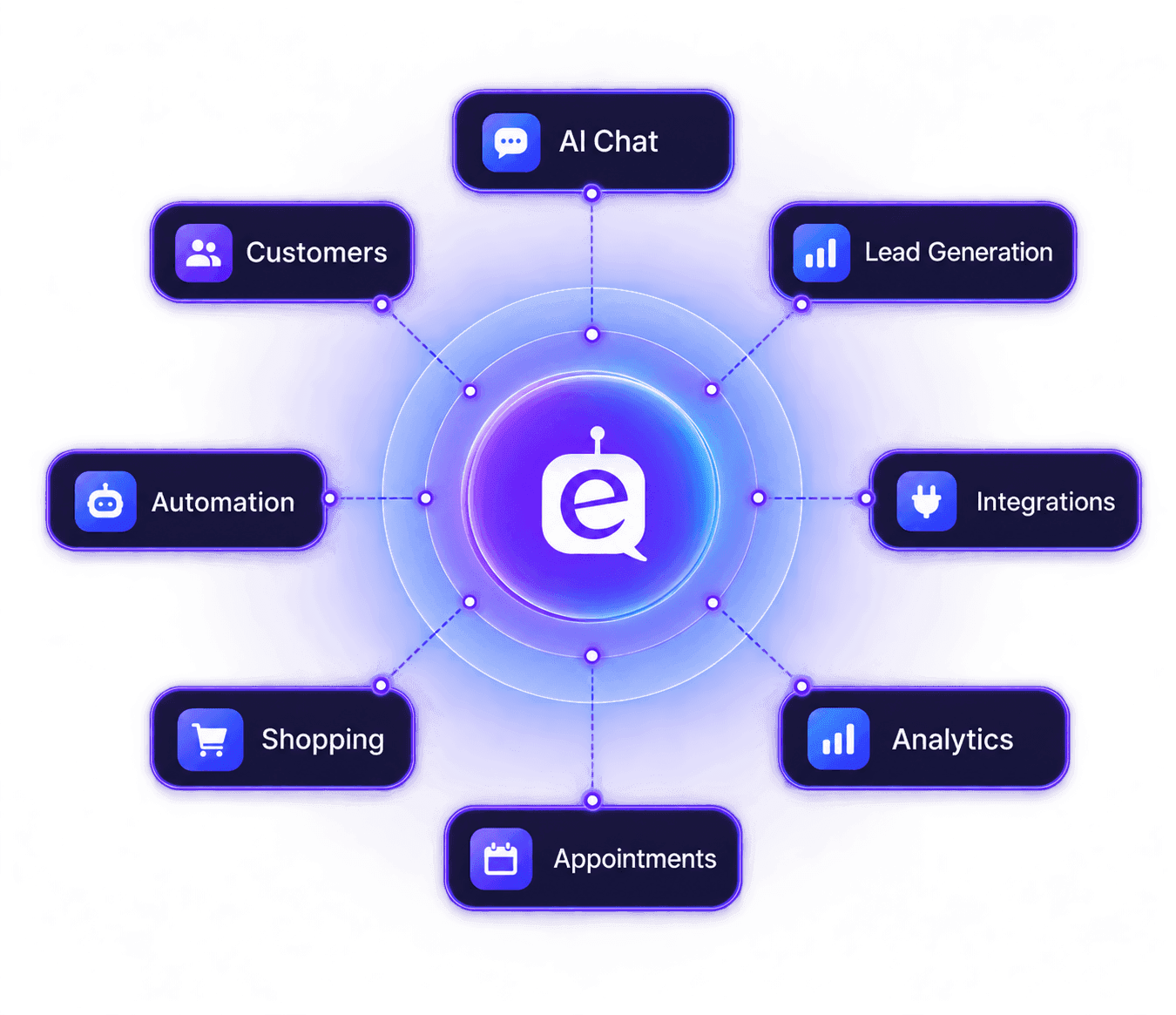
Integrate with CRM, ERP, helpdesk, payment, inventory, and other business systems to access relevant information and automate workflows.
8. Escalate Complex Queries
Transfer conversations to human agents when customers require specialized assistance or when the AI cannot confidently resolve an issue.
With these capabilities, a WhatsApp AI chatbot can turn everyday messaging into an intelligent channel for customer service, sales, lead generation, and business automation.
How Does a WhatsApp AI Chatbot Work?
A WhatsApp AI chatbot connects artificial intelligence capabilities with the WhatsApp Business API to understand customer messages, process requests, retrieve relevant information, and provide appropriate responses.
Depending on the business workflow, the chatbot can also connect with CRM platforms, knowledge bases, helpdesk systems, inventory databases, payment platforms, and other business applications.
1. Customer Sends a Message
The customer starts a conversation with the business through WhatsApp by asking a question or making a request.
2. AI Analyzes the Message
The AI chatbot processes the message to understand the customer's intent, context, and requirements.
3. Relevant Information Is Retrieved
The chatbot can access approved business data, knowledge bases, CRM records, product information, or other connected systems.
4. AI Generates a Response
The AI generates a relevant response based on the customer's question, conversation history, and available business information.
5. An Action is Completed
If required, the chatbot can perform tasks such as checking an order status, scheduling an appointment, collecting customer information, or qualifying a lead.
6. The Conversation Continues
The chatbot maintains relevant conversation context so that customers can continue interacting naturally instead of repeating the same information.
7. Human Agent Takes Over When Needed
Complex, sensitive, or unresolved requests can be transferred to an appropriate human support representative.
Key Features of a WhatsApp AI Chatbot
A modern WhatsApp AI chatbot can support customer-facing and internal business activities through intelligent automation. Some of the most important features include:
1. 24/7 Customer Support
Respond to customer questions at any time without depending entirely on support team availability.
2. Natural Language Understanding
Understand customer questions even when users phrase requests differently or use conversational language.
3. Personalized Responses
Use customer information and conversation context to create more relevant and personalized interactions.
4. Lead Qualification
Collect important customer details, identify intent, and pass qualified prospects to sales representatives.
5. Multilingual Support
Communicate with customers in multiple languages to support diverse audiences and different markets.
6. Automated Notifications
Send timely updates about orders, appointments, payments, bookings, deliveries, and other customer activities.
7. Human Handoff
Transfer conversations to the appropriate employee when a request requires human expertise or intervention.
WhatsApp AI Chatbots for Conversational Commerce
A WhatsApp AI chatbot can support customers throughout the buying journey, from discovering products to completing purchases and receiving post-purchase assistance. This creates a direct conversational path between businesses and their customers.
Businesses can use chatbots to:
1. Recommend products
Understand customer preferences and suggest relevant products or services.
2. Answer product questions
Provide information about features, pricing, availability, specifications, and policies.
3. Guide purchase decisions
Help customers compare options and choose products based on their requirements.
4. Support order placement
Assist customers with product selection, order details, and purchase related questions.
5. Share order updates
Provide customers with information about order status, delivery, and other updates.
6. Recover potential sales
Re engage customers who showed interest but did not complete their purchase.
7. Provide post-purchase support
Handle questions about returns, exchanges, warranties, and product usage.
WhatsApp AI Chatbot Use Cases Across Industries
A WhatsApp AI chatbot can support different customer and operational workflows depending on the industry's requirements, customer expectations, and services offered.
1. E-commerce and Retail
Help customers discover products, check availability, receive recommendations, track orders, and get assistance with returns or exchanges.
2. Healthcare
Assist with appointment scheduling, reminders, basic service information, and patient communication.
3. Banking and Financial Services
Answer routine account-related questions, provide service information, and guide customers through common requests.
4. Travel and Hospitality
Support bookings, reservation questions, itinerary information, cancellations, and customer assistance.
5. Education
Respond to admission questions, course information requests, application-related queries, and student support needs.
6. Real Estate
Capture property requirements, share suitable listings, schedule property visits, and connect prospects with real estate agents.
7. Insurance
Help customers understand policy information, collect initial details, and guide them through common service requests.
How to Build and Deploy a WhatsApp AI Chatbot
Building a WhatsApp AI chatbot involves defining its purpose, preparing reliable business knowledge, connecting required systems, designing conversations, testing performance, and continuously improving the chatbot.
1. Define Business Goals
Identify the customer interactions and business tasks the chatbot needs to handle. Clear goals help determine the required features, integrations, and conversation flows.
2. Set Up the WhatsApp Business API
Connect the chatbot with the WhatsApp Business API and configure the required business messaging setup.
3. Prepare Business Knowledge
Provide accurate information from FAQs, product catalogs, service details, policies, pricing, and other trusted business sources.
4. Design Conversation Flows
Create clear conversation paths for common customer questions, requests, transactions, and escalation scenarios.
5. Add AI Capabilities
Integrate AI capabilities that allow the chatbot to understand customer intent, natural language, and conversation context.
6. Connect Business Systems
Integrate CRM, helpdesk, inventory, payment, ERP, or other business platforms required to retrieve information and automate workflows.
7. Test and Refine
Test different conversation scenarios, identify incorrect or incomplete responses, and refine the chatbot before launching it to customers.
8. Deploy and Monitor
Monitor chatbot conversations, customer interactions, response quality, escalation rates, and other relevant performance indicators. Continuously update the chatbot as business requirements change.
Ready to Transform Customer Conversations With a WhatsApp AI Chatbot?
A WhatsApp AI chatbot can help businesses manage customer conversations, automate repetitive interactions, support sales, qualify leads, and deliver timely assistance. With the right integrations, business knowledge, and conversational design, organizations can create responsive customer experiences while handling growing communication demands efficiently.
eBotify helps businesses build AI-powered conversational experiences that simplify customer communication and automate interactions. Its chatbot capabilities can support customer service, lead engagement, and business workflows while helping organizations create more personalized conversations across WhatsApp and other digital channels.